previous
  • Thoughts From a Foreign Field
    Thoughts From a Foreign Field
  • Fast-Growing Trees for Impatient Gardeners
    Fast-Growing Trees for Impatient Gardeners
  • Plants that Spark!
    Plants that Spark!
  • Dwarf Citrus Trees
    Dwarf Citrus Trees
  • Make a Succulent Topiary
    Make a Succulent Topiary
  • Pretty in Pink
    Pretty in Pink
  • Mulch for a Healthy Garden
    Mulch for a Healthy Garden
  • Slideshow: Beautiful Clematis
    Slideshow: Beautiful Clematis
  • Fragrant Plants for Pathways
    Fragrant Plants for Pathways
  • Plant an Easy-to-Water Strawberry Jar
    Plant an Easy-to-Water Strawberry Jar
  • Comfortable Alfresco Dining
    Comfortable Alfresco Dining
  • Save Money by Growing Your Own
    Save Money by Growing Your Own
  • 6 Tips for Weed Control
    6 Tips for Weed Control
  • Designing with Curved Terraces
    Designing with Curved Terraces
  • Indeterminate or Determinate Tomatoes?
    Indeterminate or Determinate Tomatoes?
  • Building a Compost Bin
    Building a Compost Bin
  • Colorful Selections for Shade
    Colorful Selections for Shade
  • Stylish Shady Containers
    Stylish Shady Containers
  • Lawn Alternatives
    Lawn Alternatives
  • Garden Confidential: A Plant Walks into a Bar
    Garden Confidential: A Plant Walks into a Bar
  • Containers as Focal Points
    Containers as Focal Points
  • Elephant's Ears
    Elephant's Ears
  • NEW Video Series: There's a Better Way
    NEW Video Series: There's a Better Way
  • In Pursuit of the Perfect Potting Shed
    In Pursuit of the Perfect Potting Shed
  • Homegrown / Homemade
    Homegrown / Homemade
next

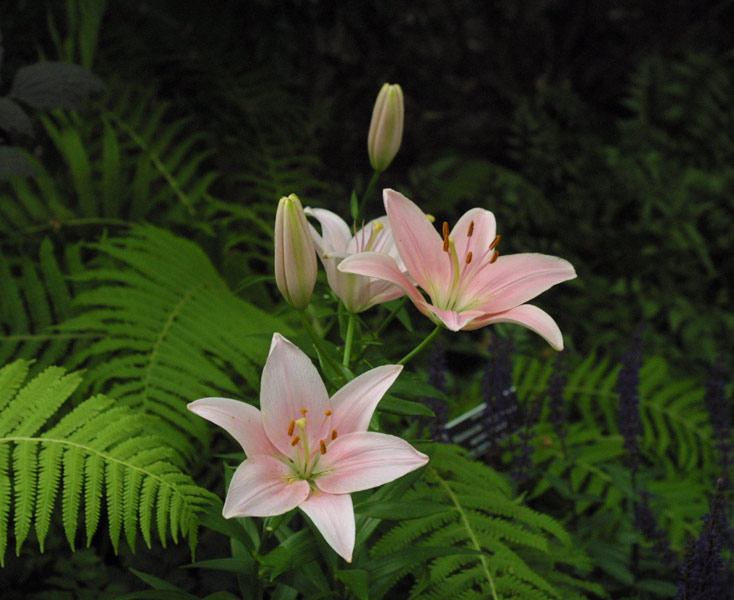
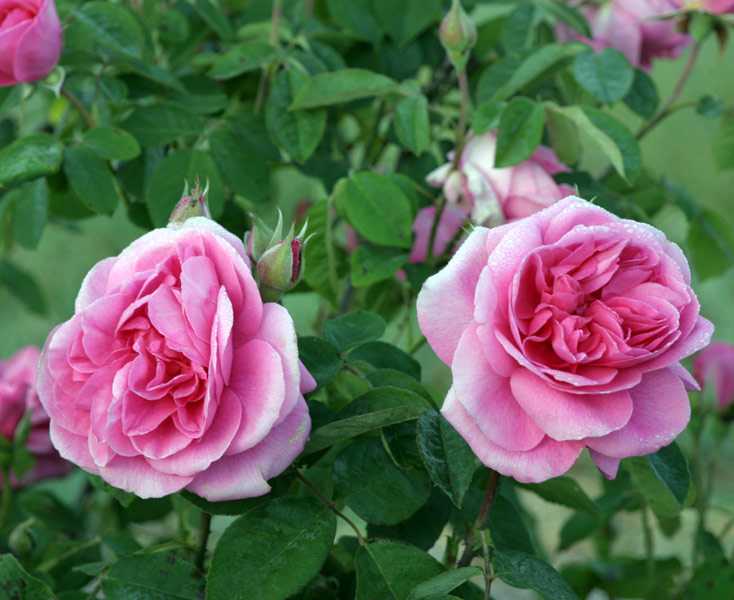
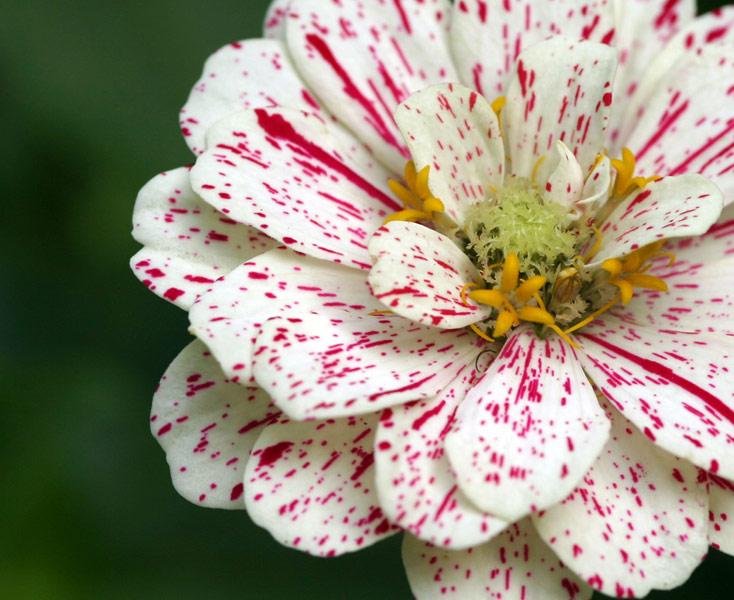
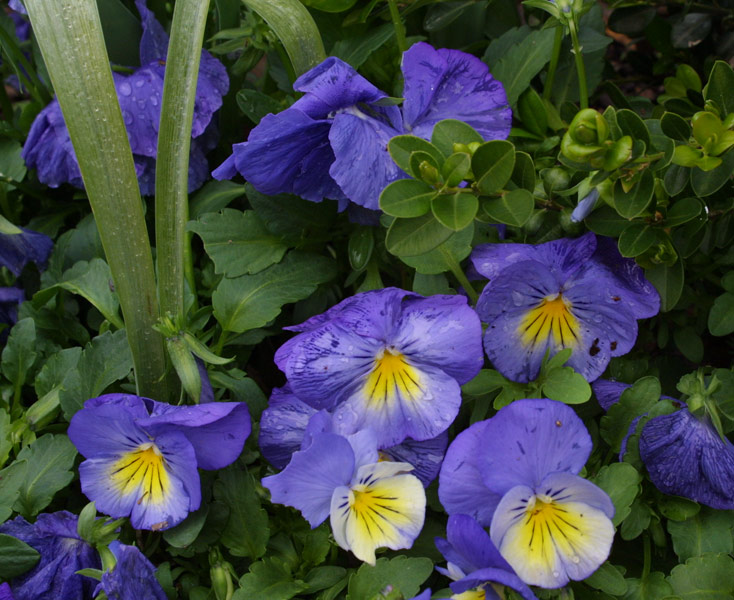
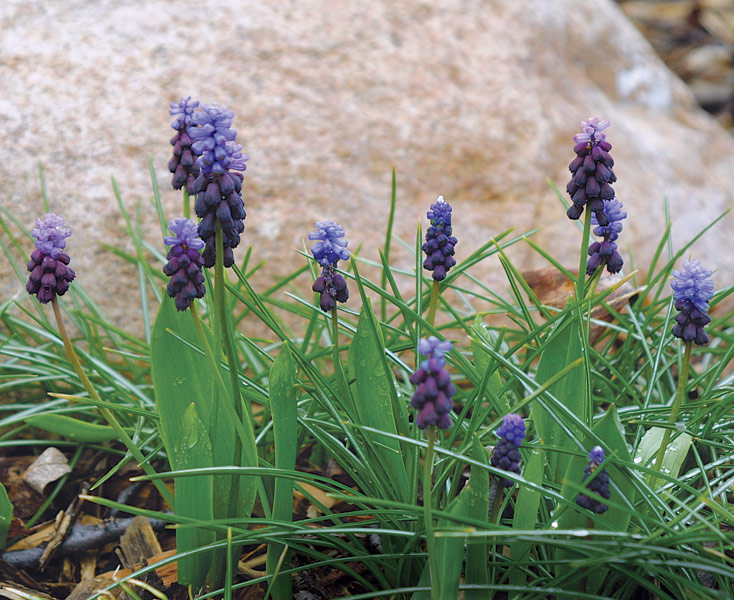
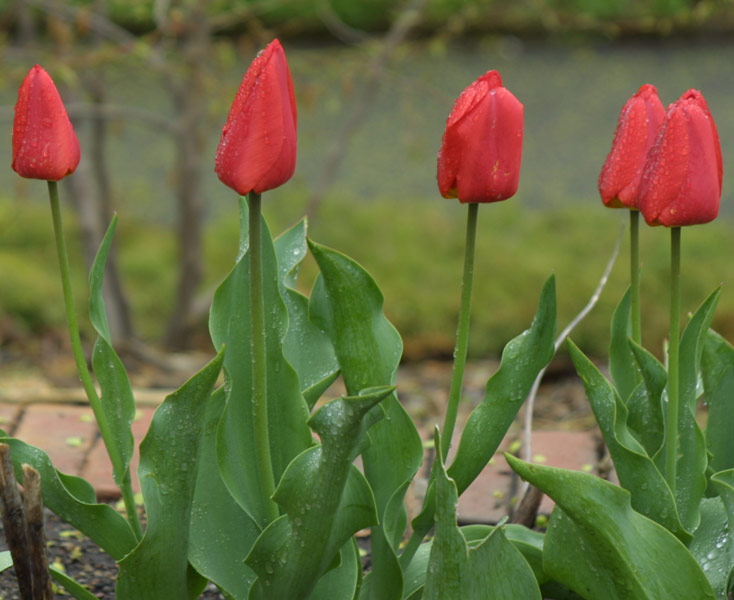
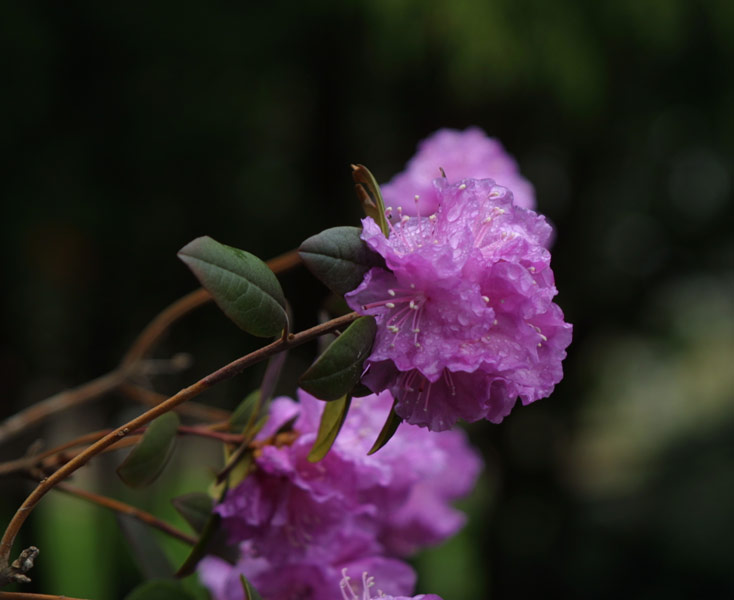
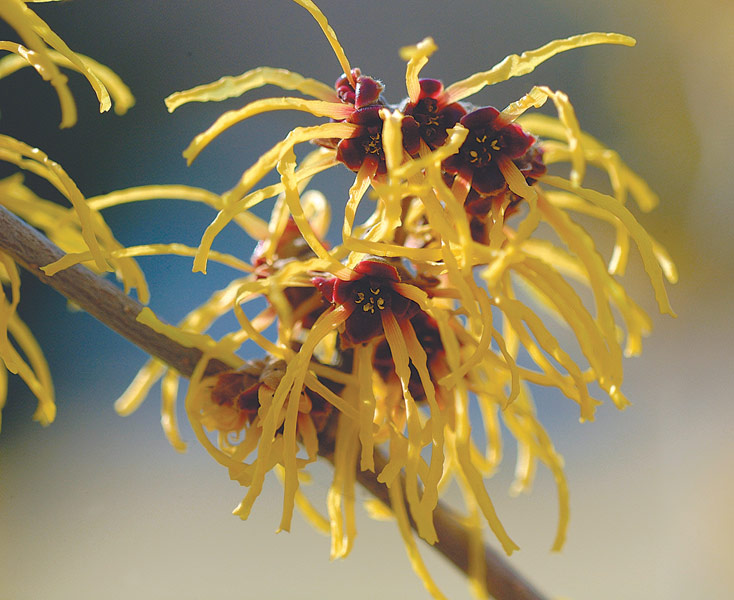
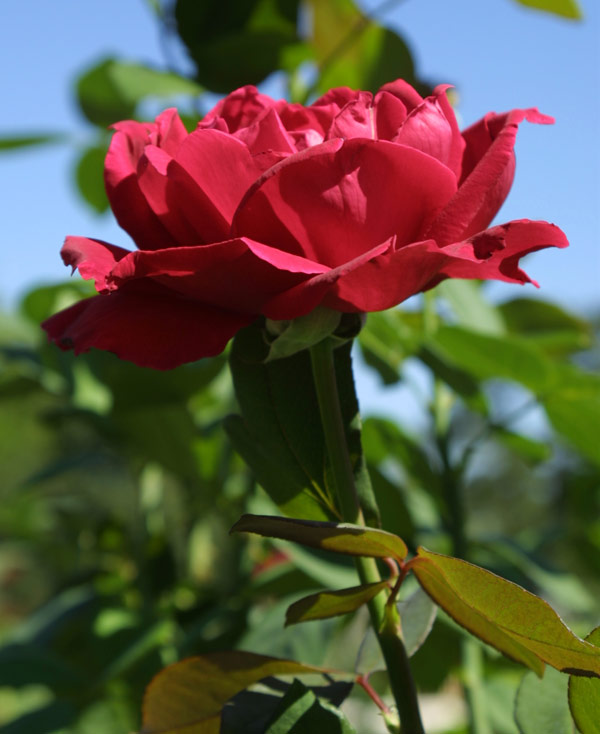
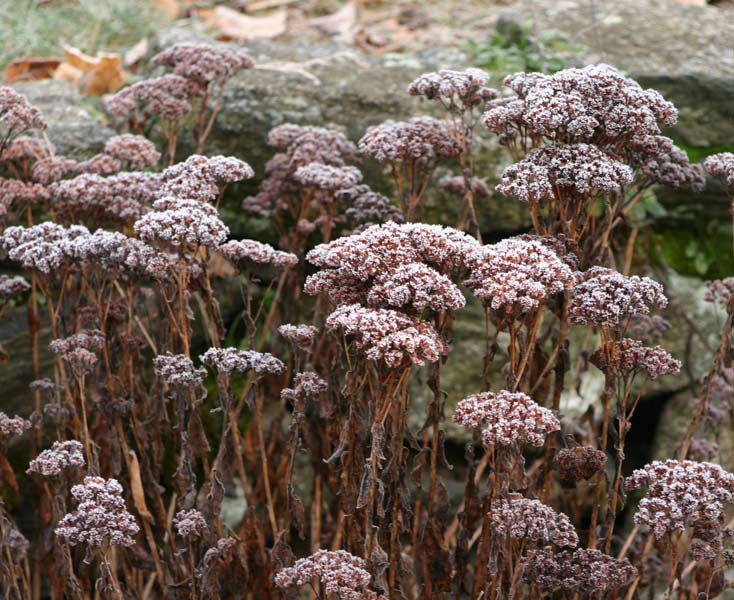
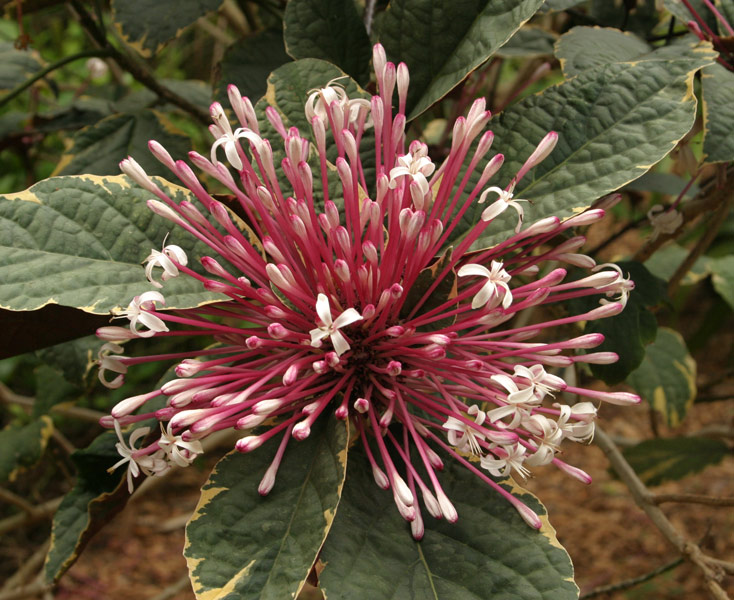
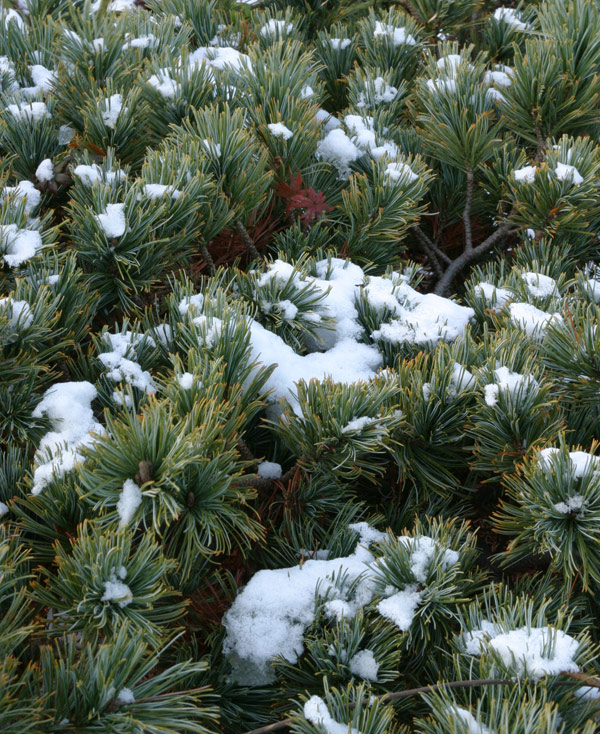
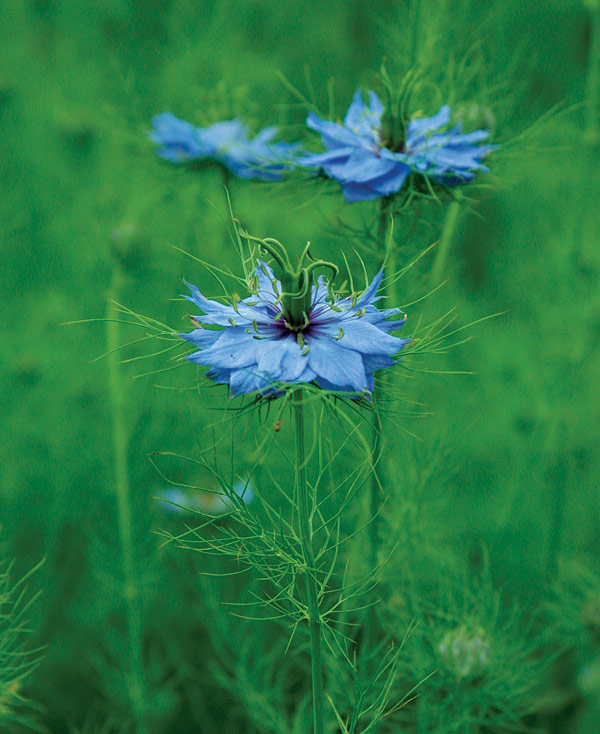
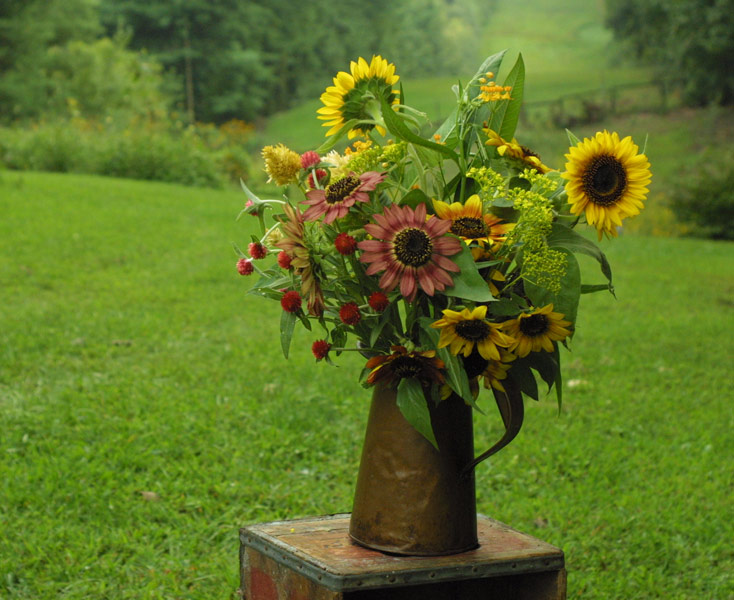
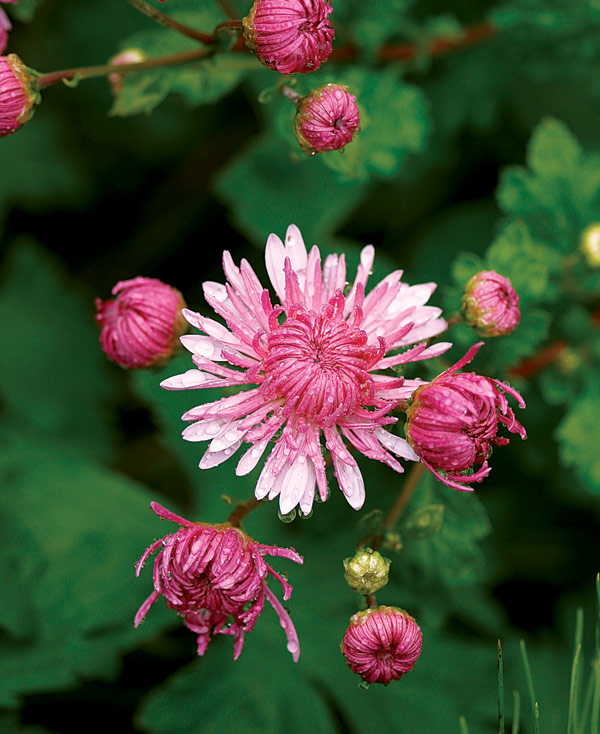
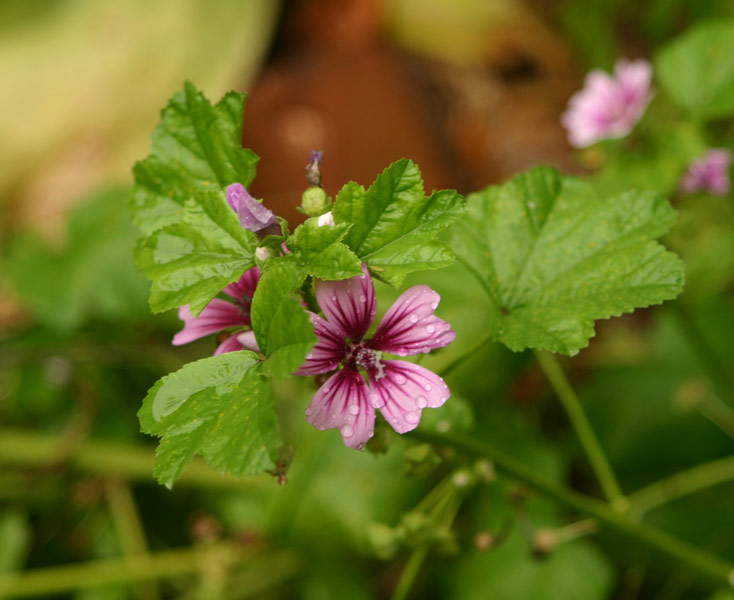
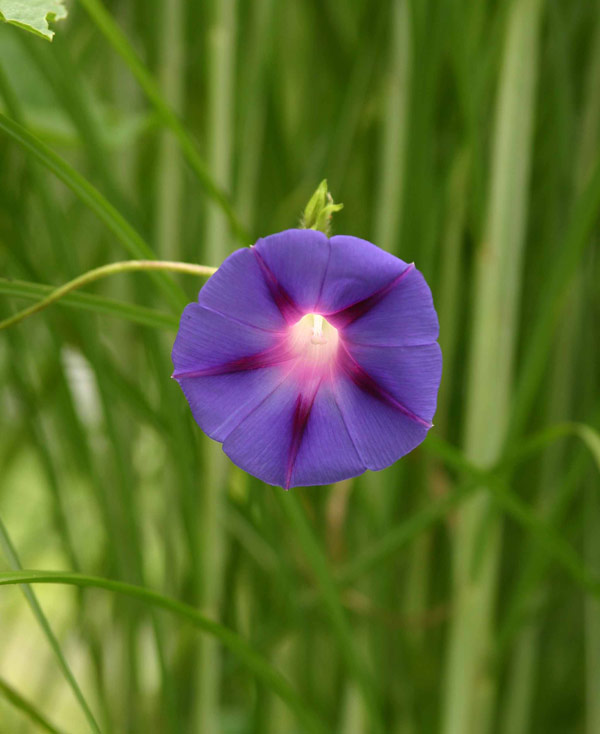
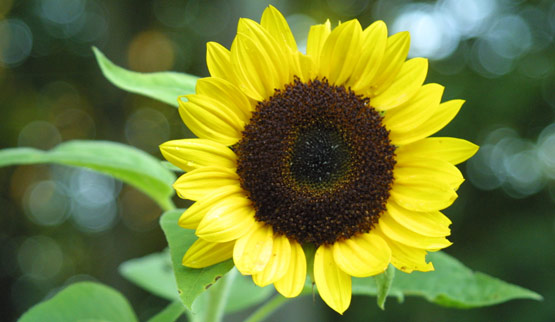
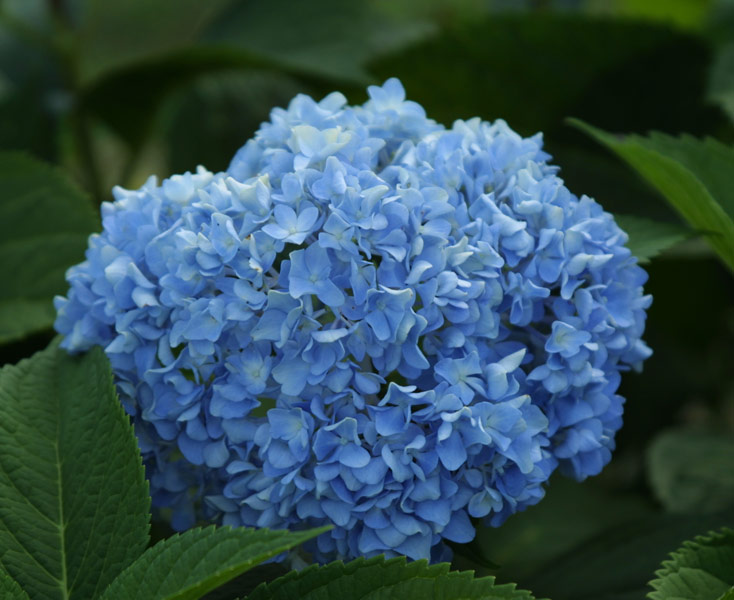
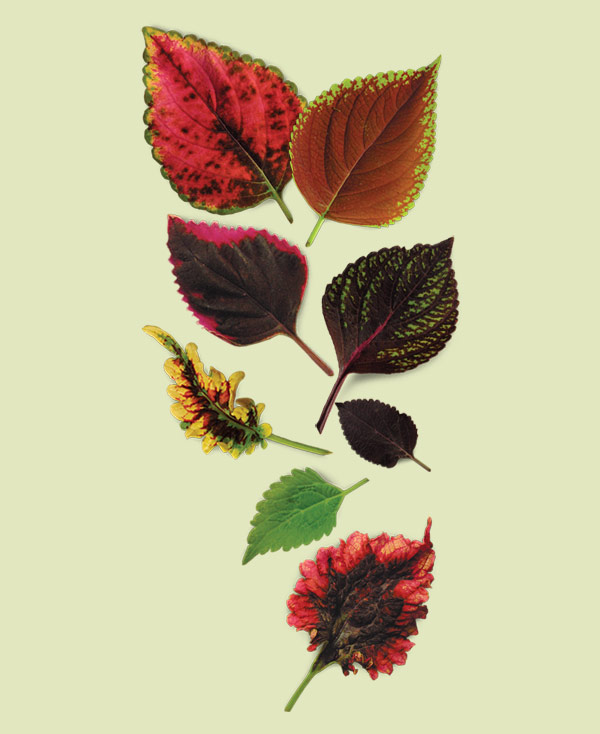
Fine Gardening Desktop Wallpaper

To set one of these images as your desktop wallpaper, please follow the instructions below.

PC users
Click on the link above the image that fits your screen resolution. If you are unsure of your resolution, choose 1280x1024. The image will open in a new window. After the image finishes loading on your screen, right-click on the image and from the menu that appears, select "Set as Background."

Mac Users
Click on the link above the image that fits your screen resolution. If you are unsure of your resolution, choose 1280x1024. The image will open in a new window. Click on image and drag it to your desktop. Then hold down the Control button on your keyboard while clicking on an empty area of your desktop. Choose "Change Desktop Background" from the menu that appears. Navigate to the wallpaper you downloaded and click on it.
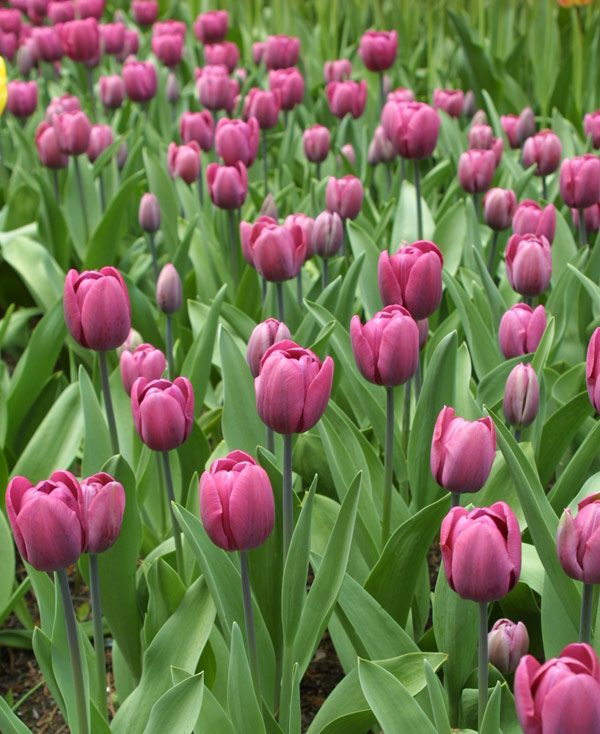
Photo/Illustration: Jennifer Benner
Photo/Illustration: Krista Hicks Benson
Photo/Illustration: Michelle Gervais
Photo/Illustration: Jennifer Benner
Photo/Illustration: Michelle Gervais
Photo/Illustration: Stephanie Fagan
Photo/Illustration: Michelle Gervais
Photo/Illustration: Jennifer Benner
Photo/Illustration: Steve Aitken
Photo/Illustration: Jennifer Benner
Photo/Illustration: Stephanie Fagan
Photo/Illustration: Danielle Sherry
Photo/Illustration: Kate Geruntho Frank
Photo/Illustration: Jennifer Benner
Photo/Illustration: Steve Aitken
Photo/Illustration: Stephanie Fagan
Photo/Illustration: Jennifer Benner
Photo/Illustration: Melissa Lucas
Photo/Illustration: Stephanie Fagan
Photo/Illustration: Jennifer Benner
Photo/Illustration: Stephanie Fagan
Photo/Illustration: Jennifer Benner
Photo/Illustration: Virginia Small
Photo/Illustration: Jennifer Benner
Photo/Illustration: Michelle Gervais
Photo/Illustration: Melissa Lucas